Midjourney v5.2 👆 Prompt: Gladiator chalk portrait, chalk texture, chalk illustration, chalk drawing, greek, chalk colors --ar 3:4 --niji 5

Chalkboard art is a versatile form of visual communication that has evolved from simple educational or informational displays into a highly artistic medium. Artists use colored or white chalk to create intricate designs, often with a focus on typography, decorative elements, and even complex murals.

chalk portrait, chalk texture, chalkboard art, chalk colors, blackboard design, chalk drawing, chalk illustration, chalk painting
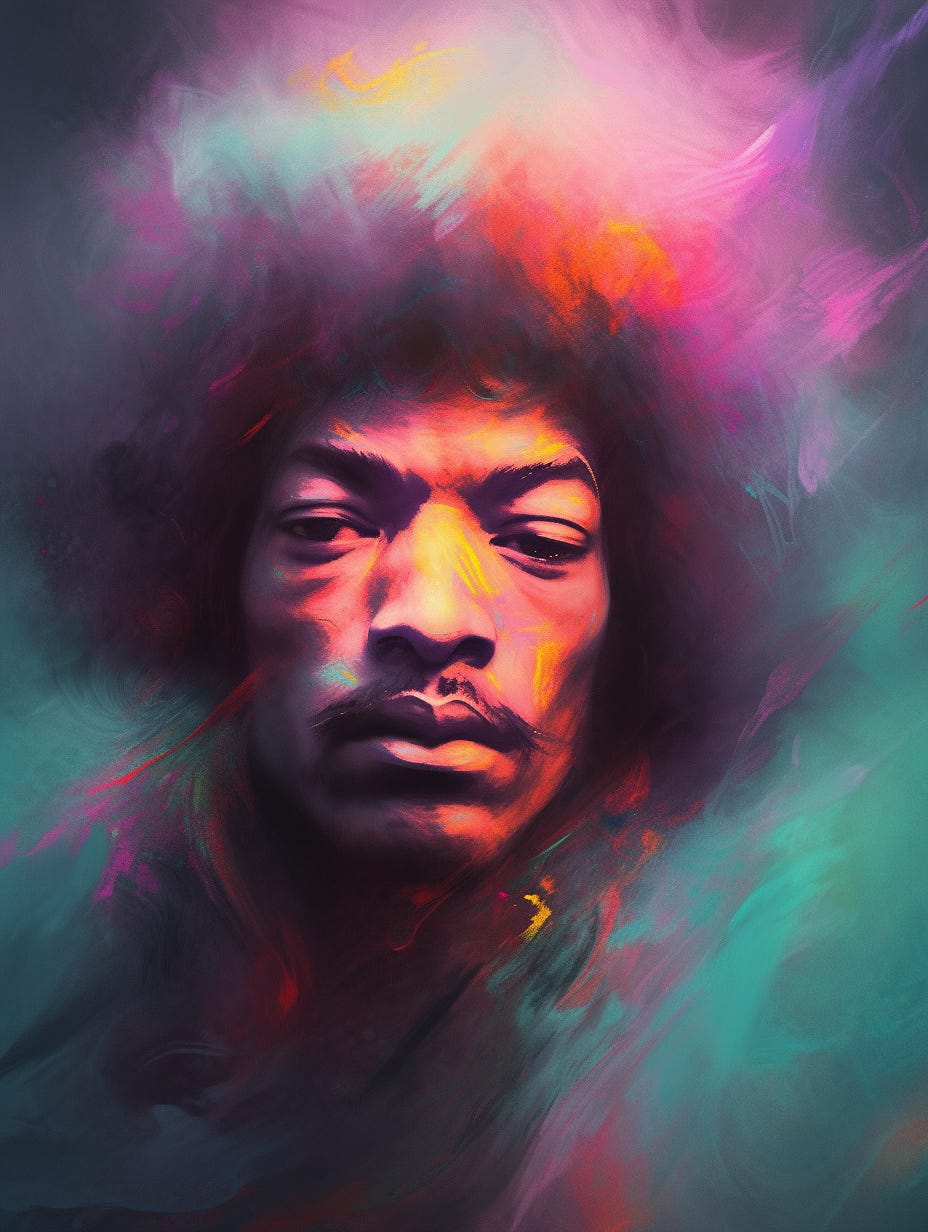
Midjourney v5.2 👆 Prompt: Jimi Hendrix chalk portrait, chalk texture, chalk art, chalk colors --ar 3:4 --niji 5

Easily erasable medium, offering room for experimentation.
Predominantly uses white and colored chalk on a black or dark surface.
Often seen in commercial settings like cafés, restaurants, and event spaces.
Strong emphasis on hand-lettering and typography.
Can include illustrative elements, from simple doodles to intricate murals.

Initially, chalkboards were predominantly found in educational settings. Over time, artists and designers began to see the chalkboard as a unique canvas. With the popularity of café culture, rustic home décor, and digital platforms showcasing artists, chalkboard art has seen a surge in appreciation and application.
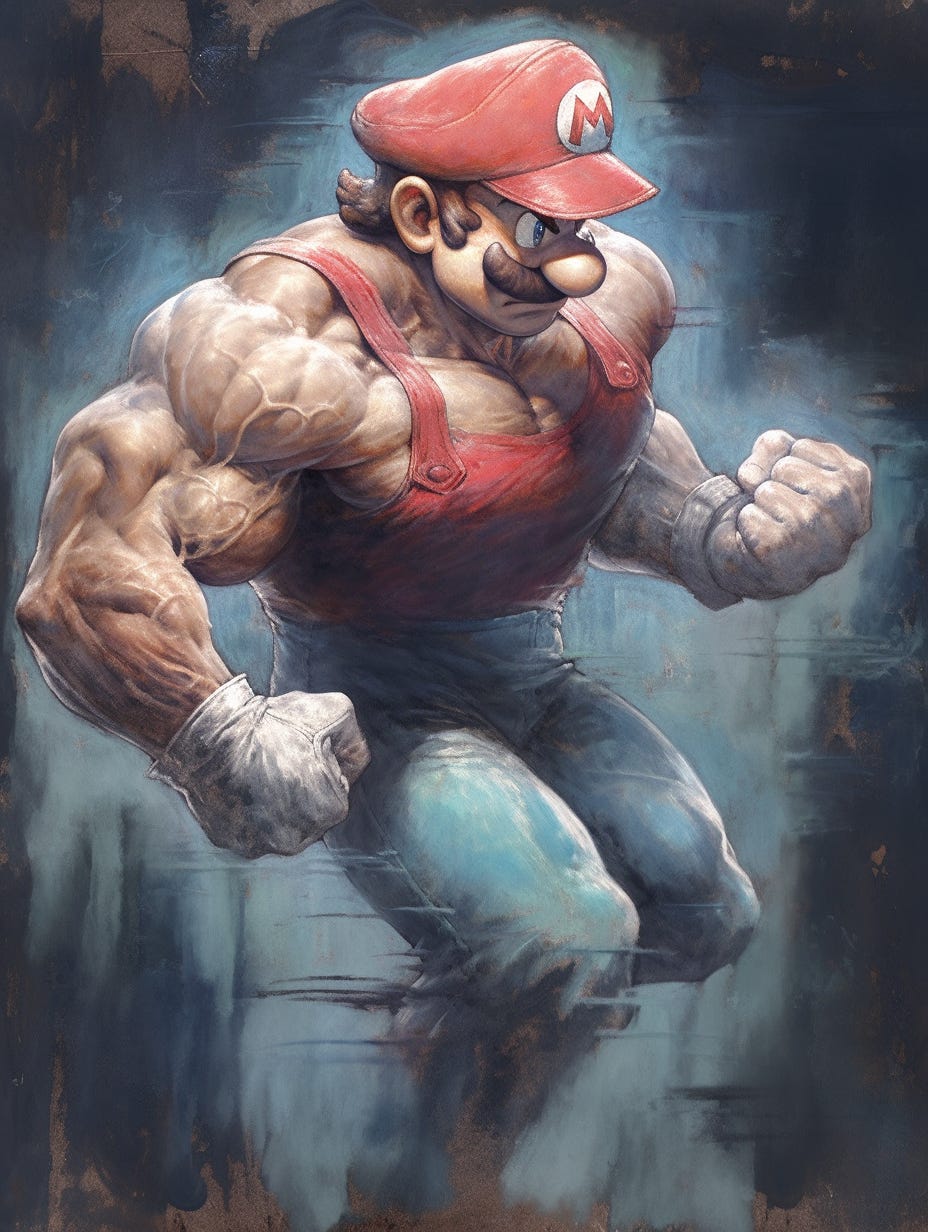
Midjourney v5.2 👆 Prompt: muscular super mario bros chalk portrait, chalk illustration, chalk texture, chalk painting, chalk drawing, chalk colors --ar 3:4 --niji 5

Dana Tanamachi (Known for chalk typography and large-scale installations)
CJ Hughes (Specializes in hand-lettering and chalkboard signage)
Andrea Casey (Chalk artist and illustrator)
Valeria Rienzi (Known for combining chalk art with digital illustration)
Sarah Kim (Freelance chalk artist, focuses on commercial installations)

Fixing Weird Details with 🪄Vary (Subtle)
Don’t give up on renders with a weird hand, extra limb or strange physical features.
If you love it, you should try to fix it first with Midjourney’s recent 🪄Vary (Subtle) and 🪄Vary (Strong) features.
Upscale the render you want to fix (must be rolled in V5.2 with Remix mode ON)
Click the 🪄Vary (Subtle) button below the upscaled render
DO NOT change anything about text prompt in the remix window, just “Submit” as is
Take a look at the new grid, the composition of the 4 new options should be nearly identical, only the details of the image will change.
If you don’t like any of them still, upscale the closest and repeat the process
You can also try clicking 🪄Vary (Strong) to get stronger detail variations, and sometimes compositional changes as well, but the “look and feel” should remain